How to Create an Instrument
Ce contenu n’est pas encore disponible dans votre langue.
There are two ways to create and test an instrument:
- Instrument Playground: create, validate, and upload your instrument in the browser.
- Local Development (CLI): run an instrument folder on your machine using
@opendatacapture/serve-instrument.
Instrument Playground (Recommended)
Steps
-
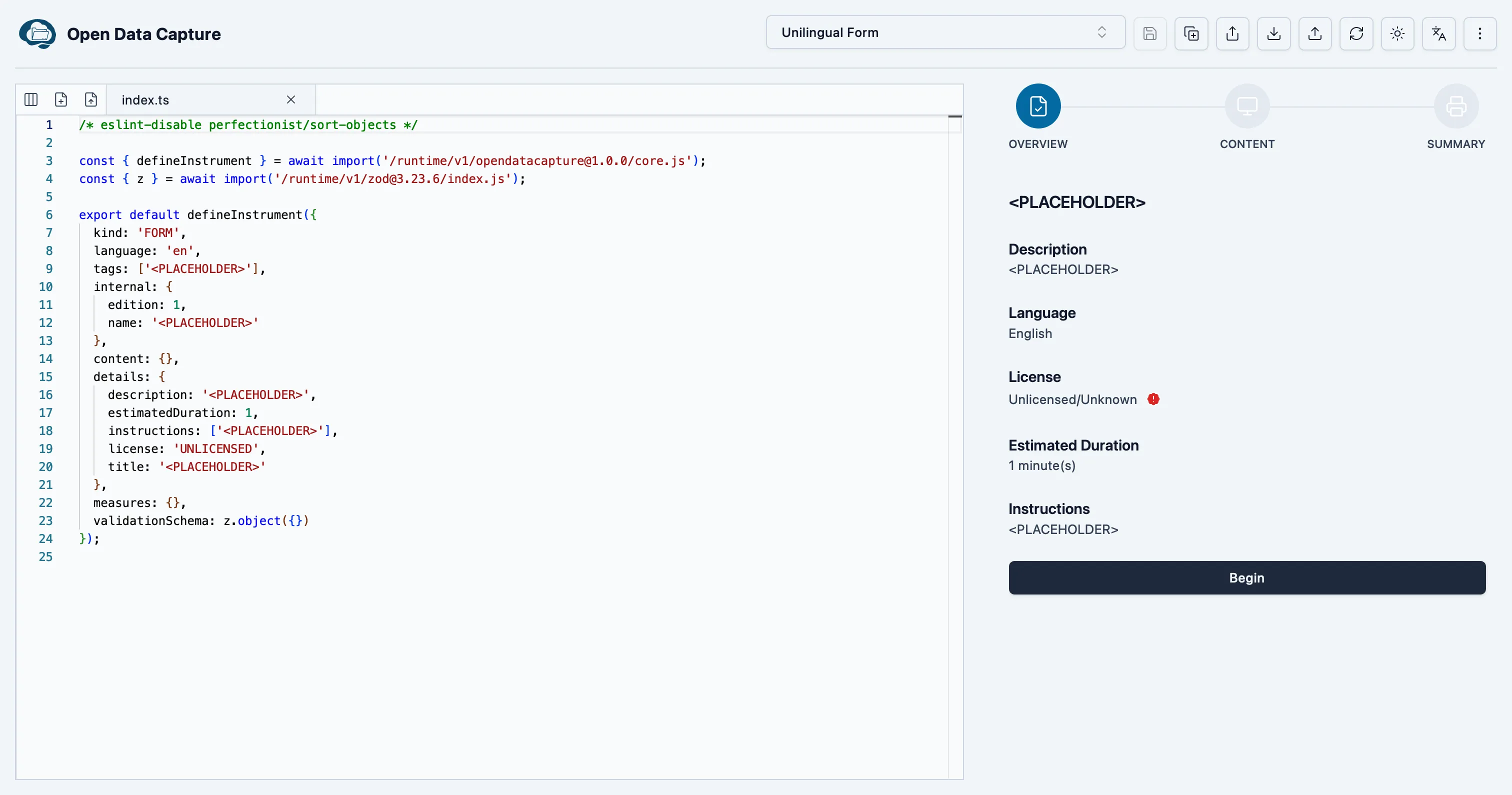
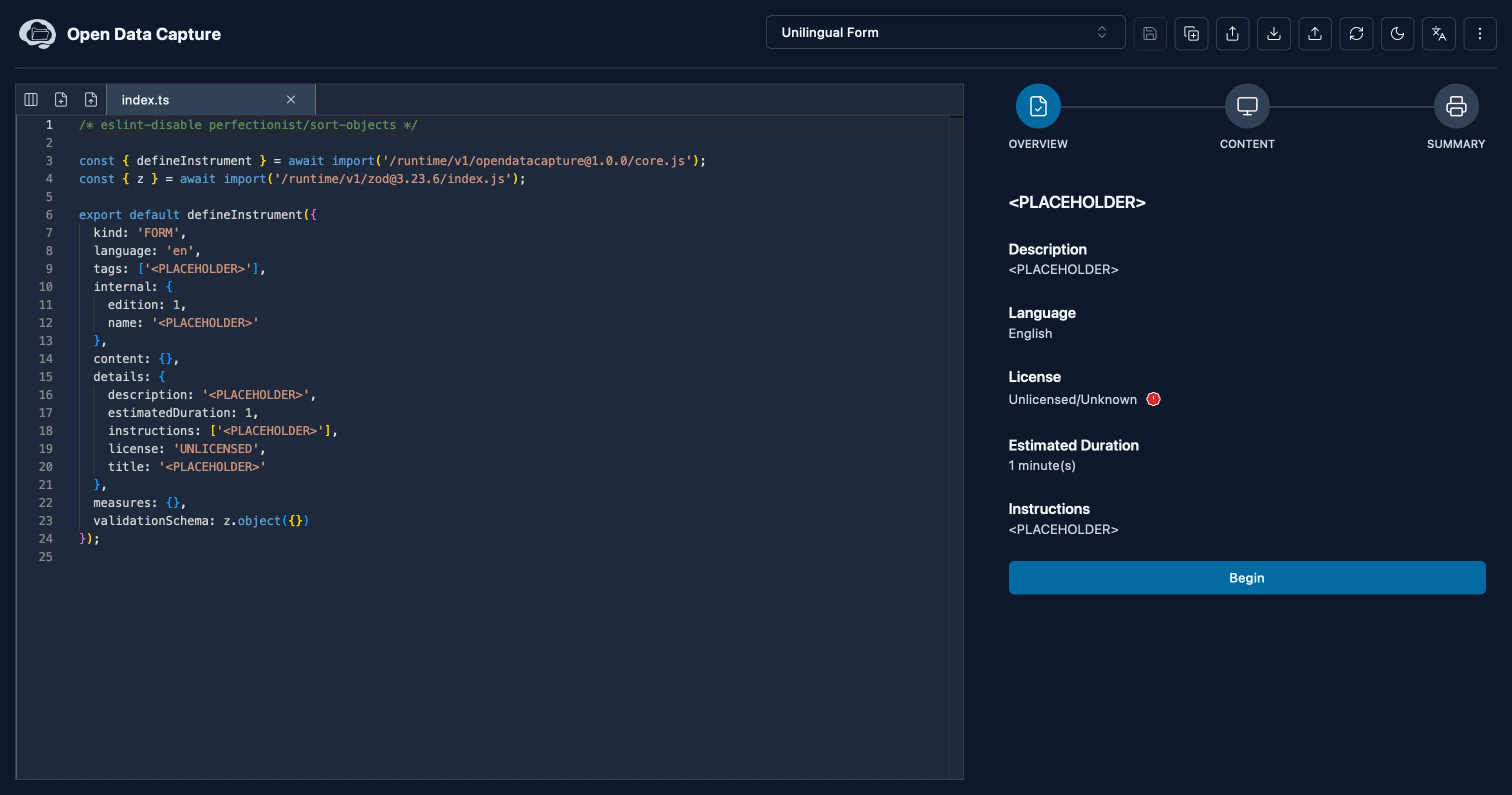
Open Instrument Playground
First, navigate to the Instrument Playground and create your instrument. You can verify that your instrument works as expected in the right panel.
-
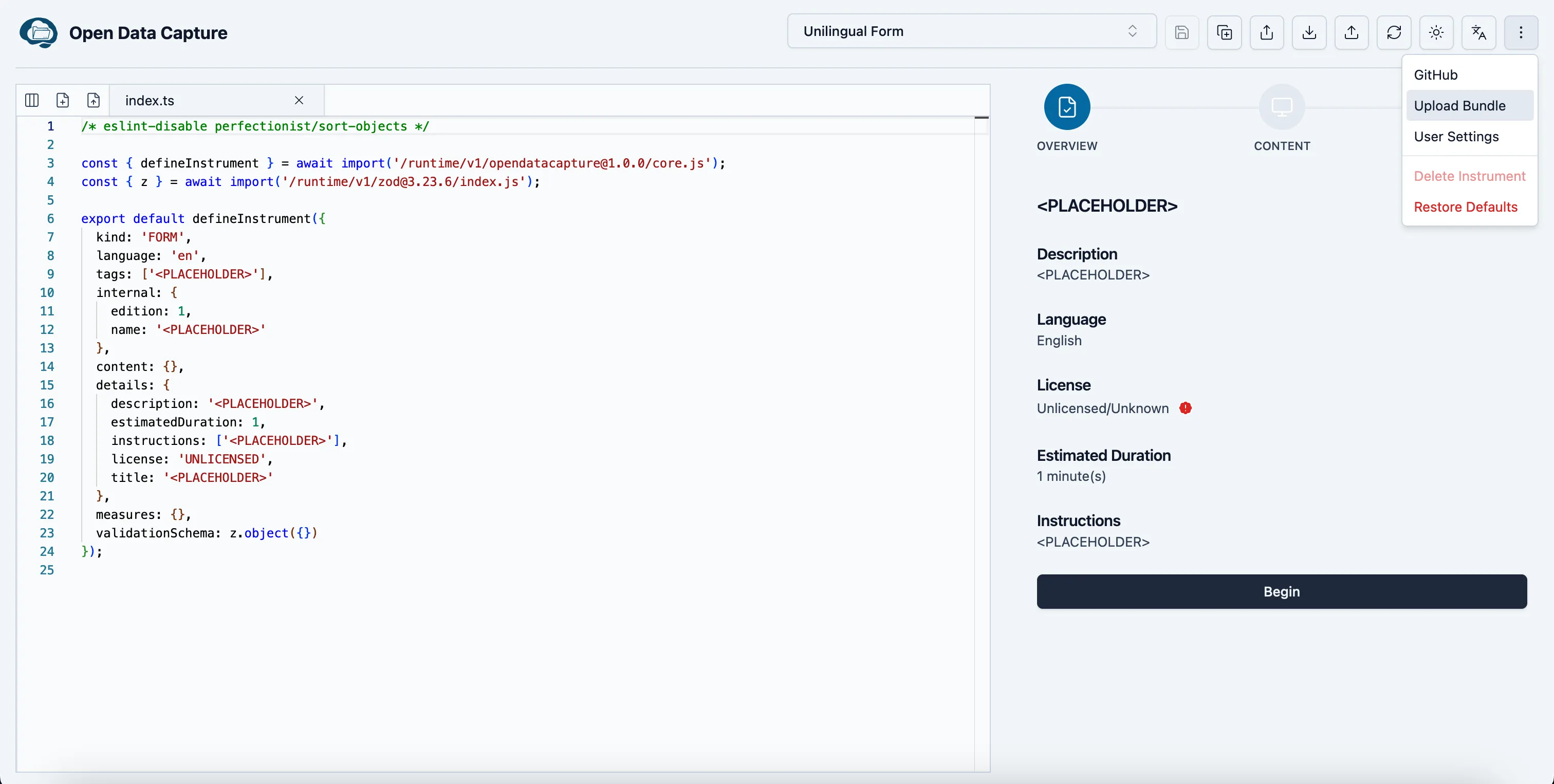
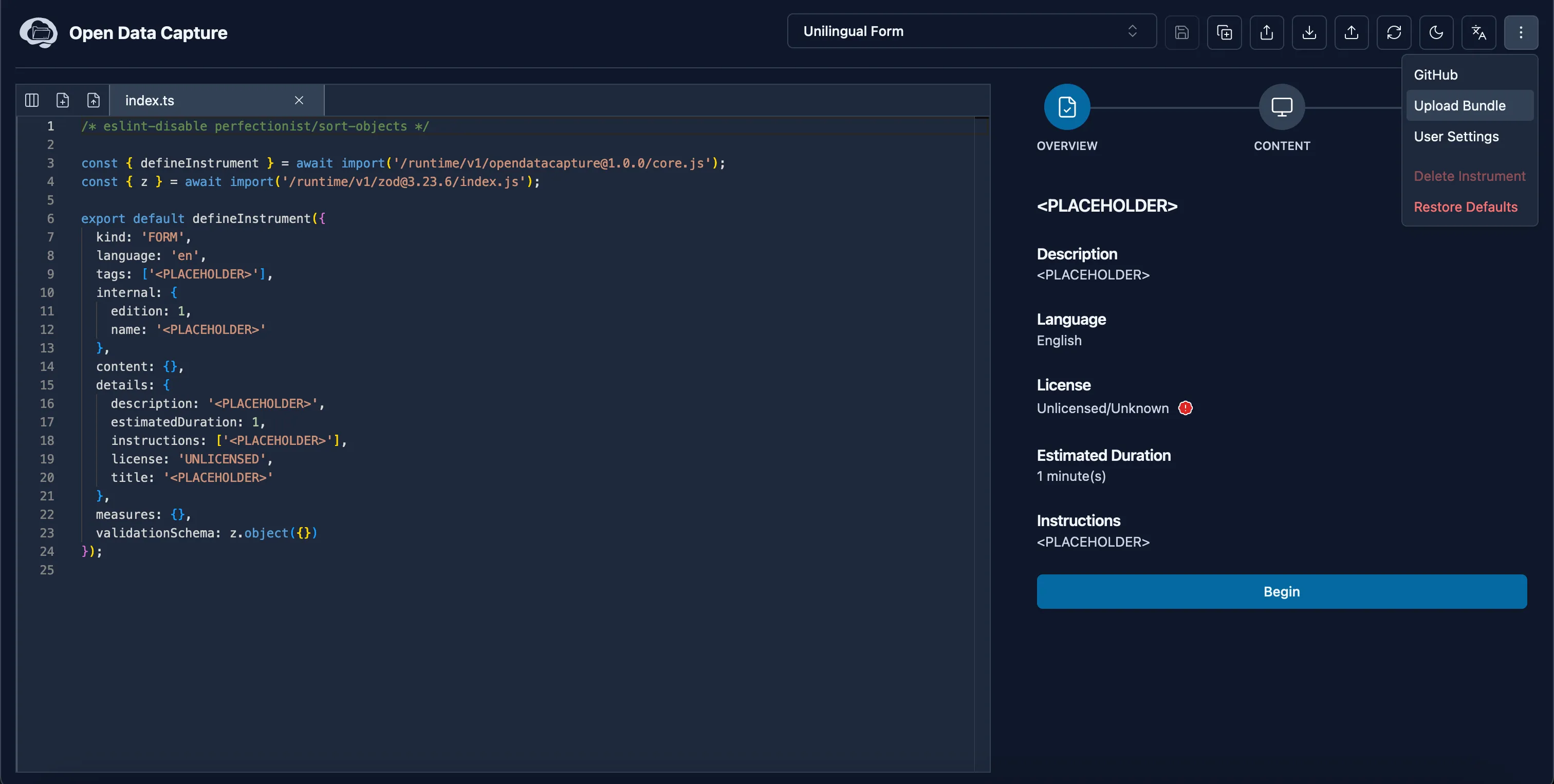
Select the Upload Bundle Button
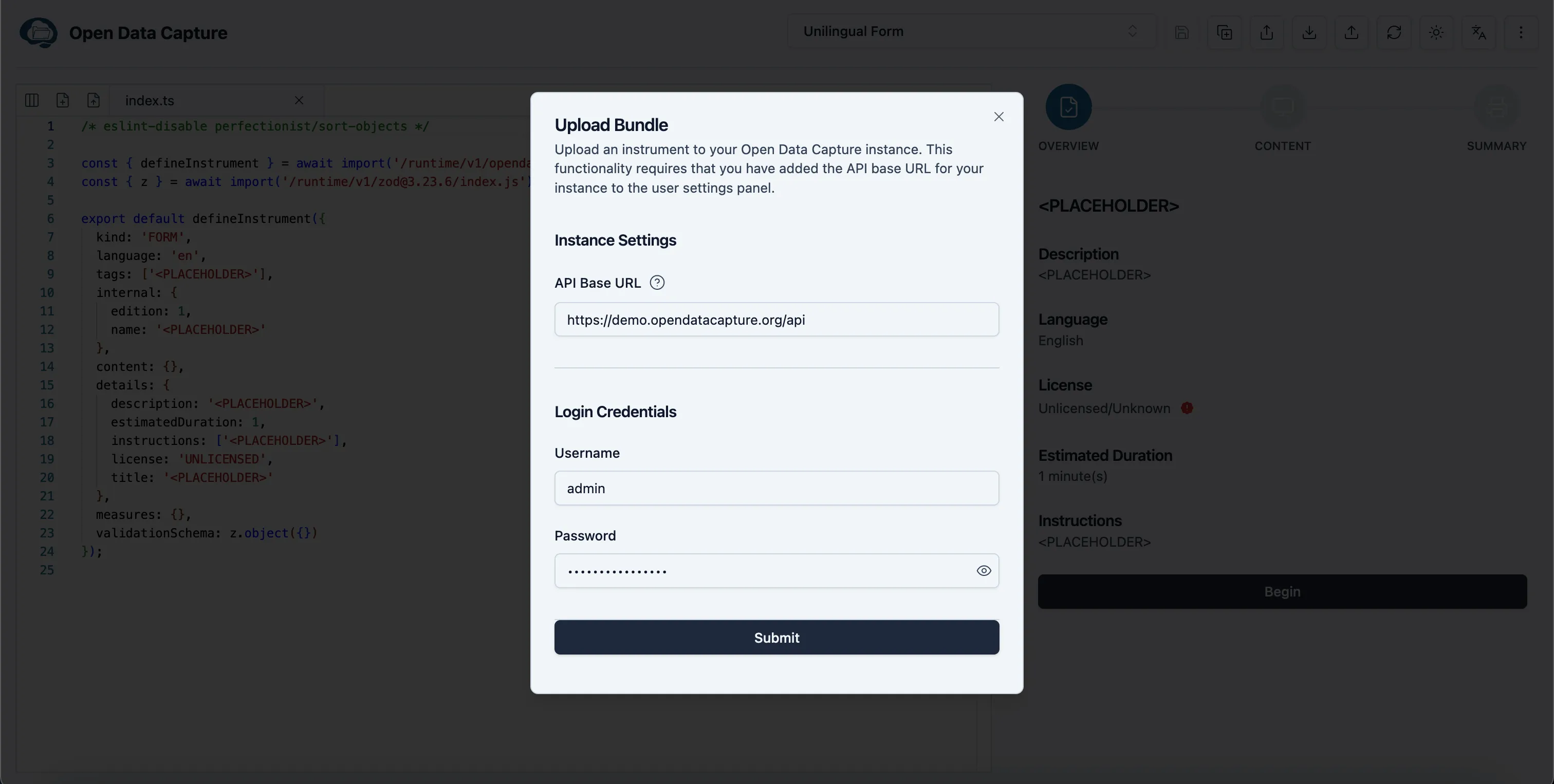
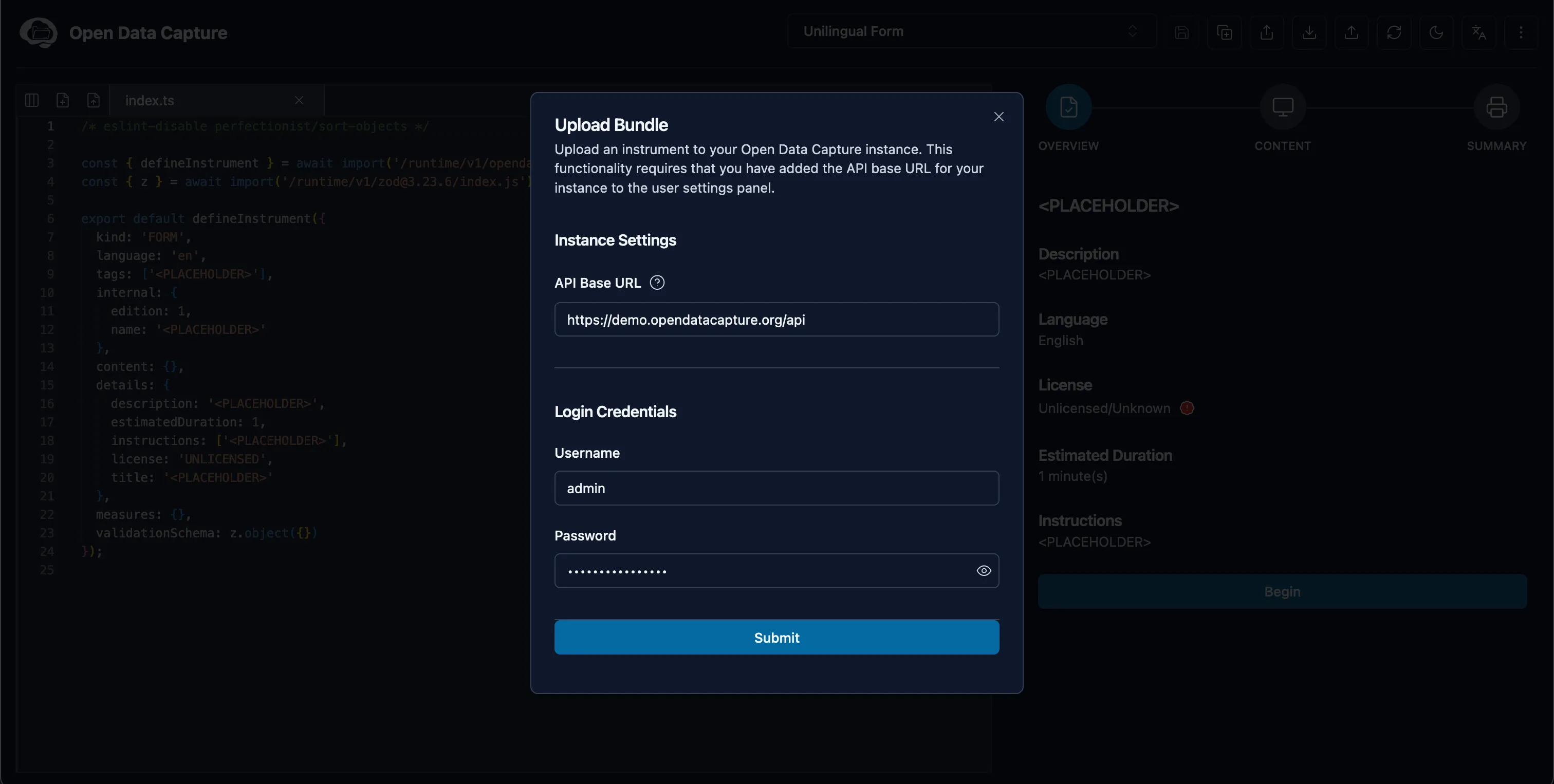
Once you are satisfied with your instrument, click the menu button on the top right corner and then select the “Upload Bundle” tab.
-
Complete the Upload Bundle Form
Finally, fill out the required form and click submit to upload your instrument.
Local Development (CLI)
To use the CLI you must have Node.js installed on your machine.
Install the CLI globally:
npm install -g @opendatacapture/serve-instrumentThen run it against your instrument folder containing an entrypoint (index.tsx, index.jsx, index.ts, index.js):
serve-instrument ./path/to/instrumentThe server watches the instrument directory and rebuilds automatically when files change (refresh the browser to load the latest bundle).